
What Is an HTML File? A Plain-English Explanation
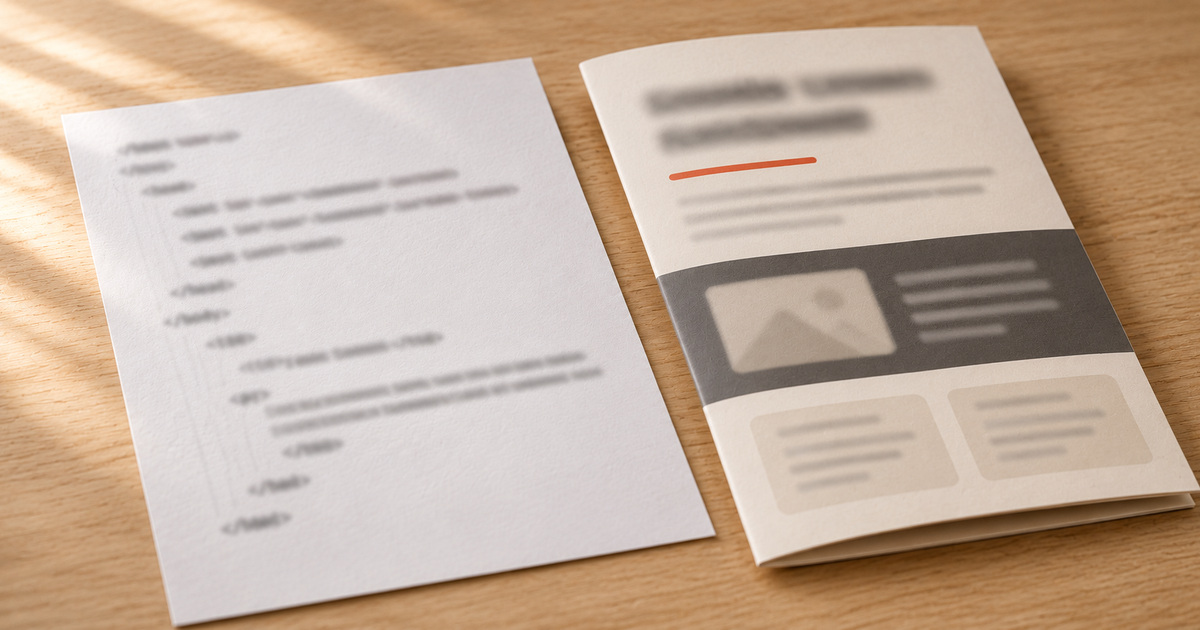
An HTML file is a text file, ending in .html or .htm, that contains the structure and content of a web page written in HTML, the markup language of the web. A browser reads the file and turns its tags into headings, paragraphs, images and links. Opened in a text editor, the same file shows the code.
If you have received an HTML file from an AI assistant, exported one from an app or found one in your downloads, this is what you are looking at, and why it behaves the way it does.
What HTML means
HTML stands for HyperText Markup Language. "Markup" is the key word: HTML marks up content, labelling each part so a browser knows what it is. This line is a heading, this one a paragraph, this is a link, this is a list. The browser then decides how to display each part.
MDN's HTML reference calls it the most basic building block of the web: it defines the meaning and structure of web content. Styling and behaviour usually come from two partners: CSS for how things look, JavaScript for what they do.
What is inside an HTML file
Open any HTML file in a text editor and you will see something like this:
<!doctype html>
<html lang="en">
<head>
  <meta charset="utf-8">
  <title>My page</title>
  <style>
    body { font-family: sans-serif; }
  </style>
</head>
<body>
  <h1>Hello</h1>
  <p>This is a paragraph with a <a href="https://example.com">link</a>.</p>
</body>
</html>
The parts:
<!doctype html>tells the browser this is a modern HTML document.<head>holds information about the page: its title in the browser tab, its character encoding, and often its styles.<body>holds what you actually see.- Tags such as
<h1>and<p>come in pairs that wrap content. Some, like<img>, stand alone. - Attributes such as
href="..."add details, like where a link goes.
How a browser turns the file into a page
When you open an HTML file, the browser reads it from top to bottom, builds a tree of all the elements, applies the CSS to decide how each one looks, and runs any JavaScript. The result is the page on your screen.
If the HTML refers to other files, such as a stylesheet, a script or an image, the browser goes to fetch them. That is why a page can look perfect on one computer and broken on another: the HTML travelled, the files it refers to did not.
Single-file and multi-file pages
Some HTML files are complete on their own. The styles sit inside a <style> tag, scripts inside <script>, and images come from public addresses. You can send that one file anywhere and it works.
Others are one part of a set. The HTML points at style.css, app.js and an images folder, and only works when they all travel together, in the same folder structure.
Pages made by AI assistants are usually the first kind. Pages exported from website builders or downloaded from sites are often the second.
Why AI assistants give you HTML files
Ask ChatGPT, Claude or Gemini for a landing page, a chart or an interactive calculator, and you often get an HTML file. HTML is the one format every device can display without installing anything, and a single file can hold layout, styles and behaviour together. I wrote about the specific case of Claude in how to share a Claude artifact as a web page.
What you can do with an HTML file
- View it in a browser: see how to open an HTML file.
- Edit it in any text editor: see how to edit an HTML file.
- Publish it so others can open it with a link: see how to host an HTML file.
- Convert it, for example to PDF, by printing the page from your browser and choosing Save as PDF.
Is an HTML file safe?
Usually, but not always. HTML files can contain scripts, and attackers send HTML attachments that open fake login pages. Open HTML files only from sources you trust, and never type a password into a page that opened from a file on your computer. If you are unsure, open it in a text editor, which shows the code without running anything.
Frequently asked questions
What is the difference between .html and .htm?
None in practice. Both are HTML files. The shorter .htm extension dates from old systems that only allowed three-letter extensions, as CSS-Tricks explains. Browsers treat them the same way.
Is an HTML file a website?
An HTML file is one web page. A website is usually many pages, plus styles, images and often a server, linked together under one address. A single HTML file becomes a public page once it is hosted at an address.
Can I open an HTML file without a browser?
You can open it with a text editor to see the code. To see it as a page, you need something that renders HTML, which in practice means a browser or an app with a built-in browser view.
Do I need to know HTML to use an HTML file?
No. To view or share one, you only need a browser or a tool like HTMLpad. Knowing a little HTML helps when you want to change text, links or images in the page.